Tools
Areas
Draw a polygon, rectangle, circle or line on the map, or pick a region, and TAKIP lists what is inside it right now.
 Open the live map
What you see
- Draw a polygon, rectangle, circle or line, or choose a region.
- See what is inside it, and export that as CSV or GeoJSON.
- Watch an area to keep a log of what enters and leaves it while the map is open.
- Search recent satellite images of the area, from the last 60 days.
Where the data comes from
- The map’s own layersWhatever layers are switched on.
- Microsoft Planetary ComputerSatellite scenes of the area.
Counted again with each data refresh.
Good to know
- Watching works only while TAKIP is open in your browser, and it doesn’t send alerts.
- Shapes are kept in this browser.
- On the desktop only, for now.
Goes well with
 Live ship trackerShips at sea right now on a free live map, from AIS: cargo ships, tankers, ferries, fishing boats and warships, with speed, heading and destination.
 Live flight trackerSee the aircraft in the sky right now on a free live map, from ADS-B: airliners, private jets and military flights, with altitude, speed and route.
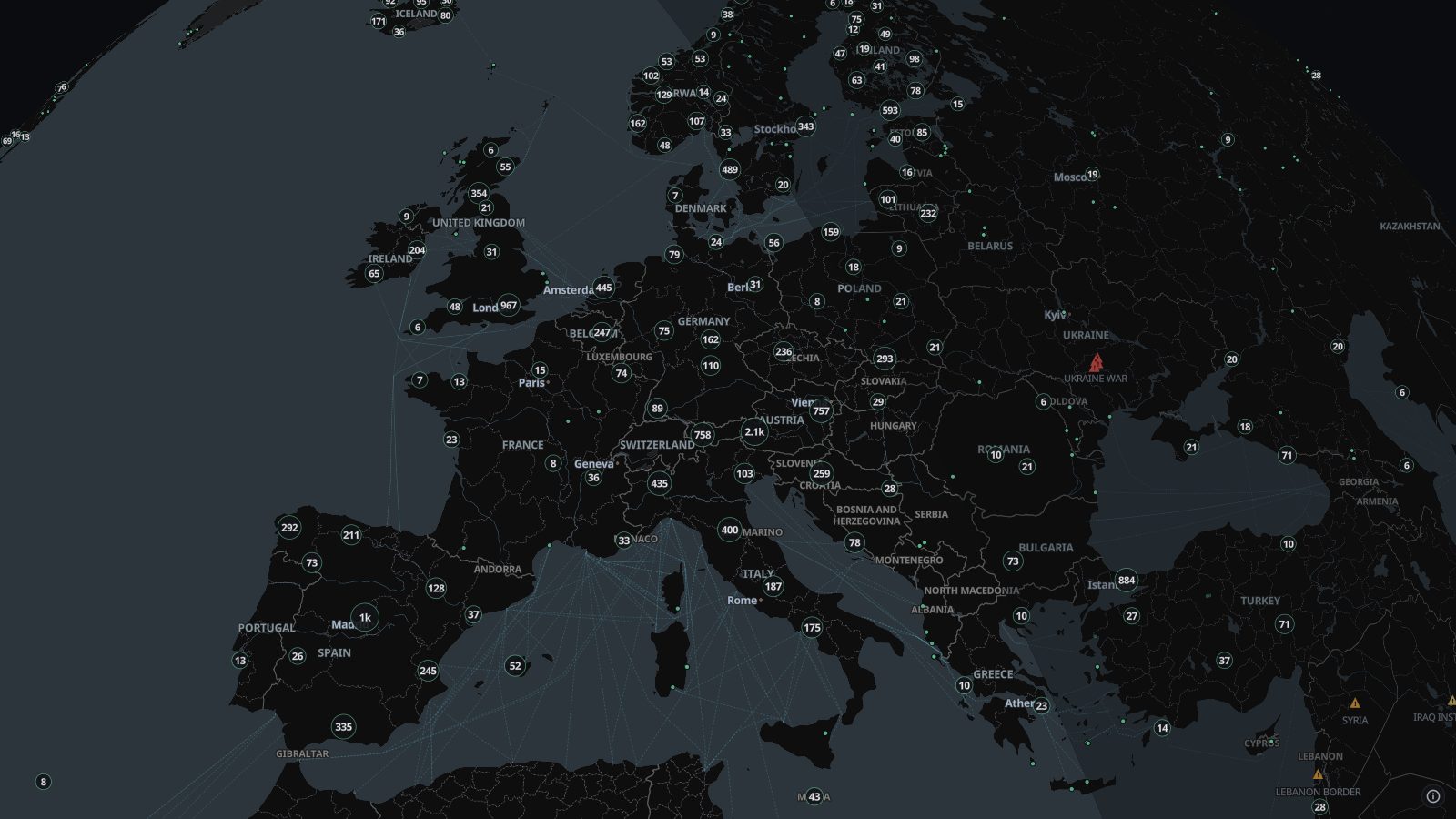 Live camerasAbout 100,000 public traffic and city cameras on one live map, from road authorities, cities and webcam networks in dozens of countries. Click to watch.